Every feature, running on this page
Each section says what one feature gives you, then runs it right here. The boxes come alive, the search box searches, and the embed waits for your permission. The only JavaScript on this page is the code those demos need.
Interactive when you choose
A component you mark "use client" arrives as plain HTML first, then its JavaScript starts so it can respond to you. Developers call that start hydration. You choose when it happens: load starts it right away, idle waits until the browser has nothing else to do, and visible waits until you scroll to it.
Each box shows when it started, counted from the moment the page opened. The last box is the same component without "use client". It ships no JavaScript, so its text never changes.
load
Plain HTML. Not started yet.
idle
Plain HTML. Not started yet.
visible
Plain HTML. Not started yet.
static
Plain HTML. It ships no JavaScript, so it never starts.
Search
When pagedeck builds your site, it writes the words of every page into a few small files. The search box downloads nothing until you use it, then finds pages as you type.
Try "budget", "consent" or "font".
Embeds that wait for consent
A video, map or chat widget from another company can start tracking your visitors the moment it loads. pagedeck puts a button in its place, and loads the real thing only once the visitor has agreed. In code, that is one script entry with a consent category.
Here the embed is a small script from this site, standing in for another company's, so the demo contacts nobody. The panel is pagedeck's sample consent banner. Press the button first to see it refuse, then accept and press it again.
Images sized for every screen
Give pagedeck one picture, and it offers the browser several sizes of it. A phone can download a small file and a large screen a sharp one, and the browser picks.
Each file below has its width drawn on it, so the picture shows which one your browser chose. Widen or narrow the window and reload to see it choose another.
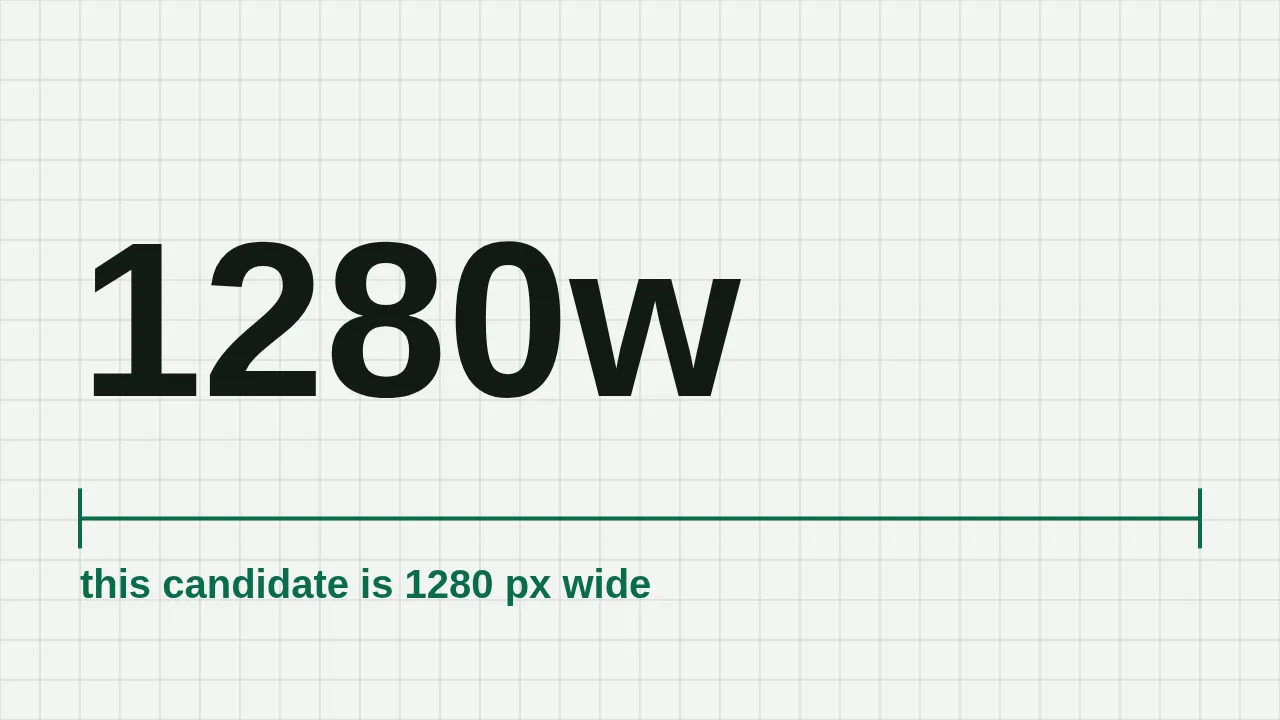
- srcset (the files on offer)
- /images/features/stack-320.webp, /images/features/stack-640.webp, /images/features/stack-1280.webp
- widths
- 320w, 640w, 1280w
- formats
- webp
- sizes (how wide it shows)
- (min-width: 60rem) 36rem, calc(100vw - 2rem)
- loading
- lazy
Fonts cut to what you use
pagedeck trims a font file down to the characters your pages need, and sets a fallback font sized to match, so the text does not jump when the real font arrives.
This site's own text uses your device's fonts, so this face is here for the sample below and nothing else. Only this page downloads it, and the other pages here never do.
Fira Sans, cut down to printable ASCII: 0123456789 and every letter from A to z. A page that sets no text in this face never downloads it.
- face
- Fira Sans 400
- unicode-range (characters kept)
- U+0020-007E
- fallback
- Helvetica, Arial, size-adjusted
One site, many languages
This site is in one language. pagedeck can publish several from the same project, and each version of a page then points to the others with canonical and hreflang links: small tags that tell search engines which address is the main one and which language each version is in.
Link previews, drawn for you
When someone shares a page in a chat or on social media, the picture in the preview is the page's social card. pagedeck draws one while it builds the site, and names it in the page's og:image tag, the line chat apps and social sites read to find the picture. This page has one, and the other pages of this site do not.
The image below is this page's card, the same file the og:image tag names. A component can show it because pagedeck draws the cards before it writes the pages.
Page head: cards the build draws